This page demonstrates every content component available on this site. When writing a post, copy the markup from any code block below, paste it into your Markdown draft, and replace the sample values with your own. All components support light and dark mode.
1. Affiliate Product Card
A mobile-friendly product card for Amazon Associates or any affiliate program. The outbound link is automatically tagged with rel="nofollow sponsored noopener".
Syntax:
{{< product img="https://example.com/product.jpg" badge="Best Pick" title="Product Name" desc="A one-line description of the product." old="$99.99" price="$69.99" rating="4.7" link="https://www.amazon.com/" btn="Check Price on Amazon" >}}
All parameters except title and link are optional. badge, old (strikethrough price), and rating can be omitted.
Result:
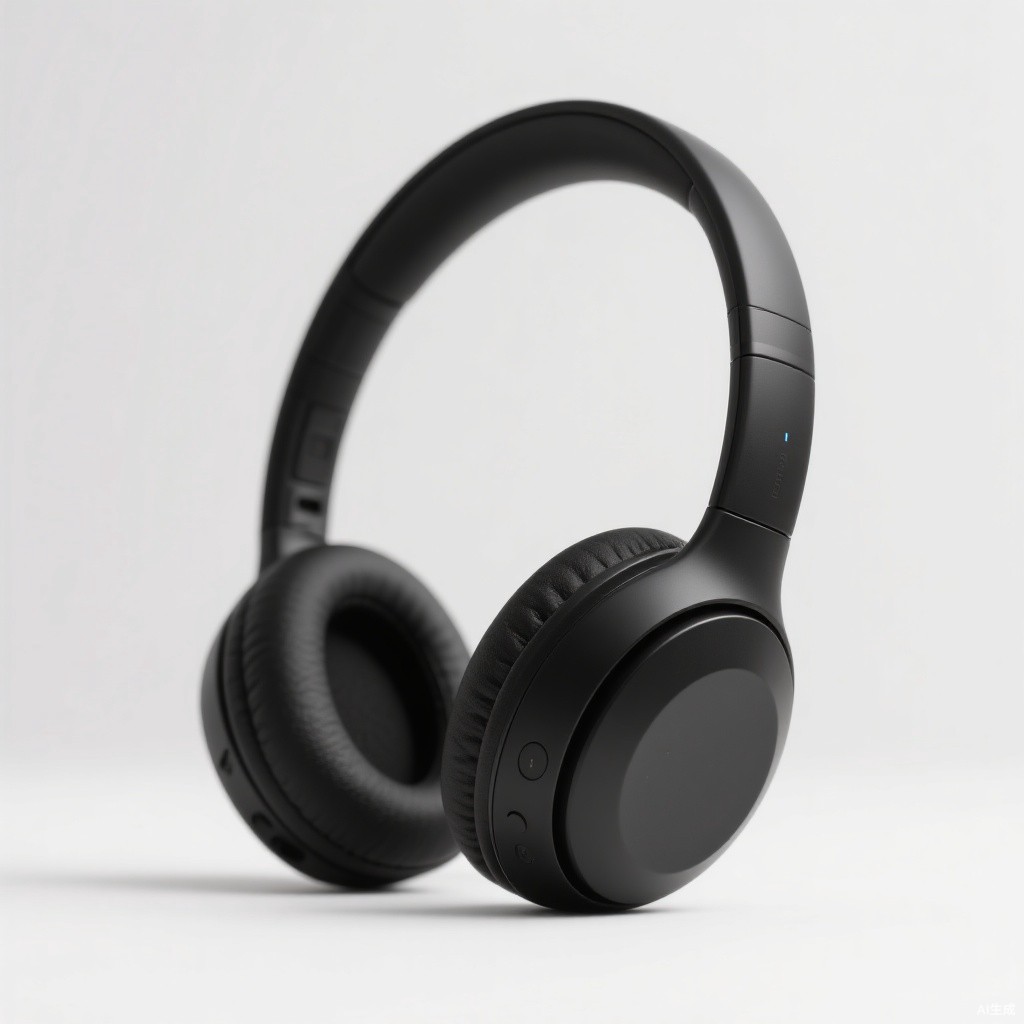
Aurora Wireless Noise-Cancelling Headphones
40-hour battery, plush memory-foam ear cups, and class-leading ANC for travel and home office.
2. Coupon Code
A one-click copyable coupon or promo code — a familiar pattern for Shopify, Gumroad and online-store readers.
Syntax:
{{< coupon code="SAVE20" title="20% off your first order" note="Enter the code at checkout. Click to copy." >}}
Result:
SAVE20
3. Download Card
A resource card for file sharing on Google Drive, Dropbox, OneDrive, MEGA, Gumroad, GitHub, iCloud, MediaFire, TeraBox or a direct link. Each platform gets its own brand-colored badge.
Syntax:
{{< drive platform="Google Drive" name="Free Resource Pack (PDF, 42 MB)" url="https://drive.google.com/" code="AB12-CD34" >}}
Parameters: platform (drives the badge color), name, url, code (optional access code), btn (optional, defaults to Download).
Result:
AB12-CD344. YouTube Video
Pass either a video id or a full url. The player is responsive (16:9).
Syntax:
{{< youtube id="jNQXAC9IVRw" title="Me at the zoo" >}}
Result:
5. Spotify Player
Embed a Spotify track, album, playlist, episode or show. The ID is the last part of the Spotify share URL.
Syntax:
{{< spotify type="playlist" id="37i9dQZF1DXcBWIGoYBM5M" >}}
Result:
6. Local Video and Audio
Put media files in your static/ folder (for example static/media/demo.mp4) and reference them with an absolute path. Audio files (.mp3, .m4a, .wav, .ogg, .aac, .flac) render as an audio player automatically.
Syntax:
{{< video src="/media/demo.mp4" poster="/media/poster.jpg" >}}
{{< video src="/media/demo.mp3" >}}
Result (hosted samples used for demonstration):
7. Callout Boxes
Highlight notes, warnings, tips or successes. Types: info, success, warning, error.
Syntax:
{{< alert type="warning" title="Heads up" >}}
This is the callout body. **Markdown is supported.**
{{< /alert >}}
Result:
8. Collapsible Block (FAQ)
A native <details> block, perfect for FAQ sections or optional extra content. Add open="true" to expand it by default.
Syntax:
{{< collapse title="Do I need to know any code?" >}}
No — just copy the snippet and change the text.
{{< /collapse >}}
Result:
Do I need to know any code?
Can I change the colors?
layouts/shortcodes/; edit the CSS variables at the bottom of the file.9. Newsletter Form
A Buttondown-powered subscribe box. Readers can opt in without leaving the page.
Syntax:
{{< subscribe >}}
Optional parameters: title, desc, ph (placeholder), btn.
Result:
10. Software / App Card
A card built for promoting software, mobile apps, browser extensions and SaaS deals: app icon, license pill (Free, Freemium, Paid, Subscription, Open Source), platform tags (Windows, macOS, Android, iOS, iPadOS, Linux, Web, Chrome), version/file-size/update-date metadata, rating, price and a deal button. Outbound links carry rel="nofollow sponsored noopener".
Syntax:
{{< software icon="/images/app.jpg" badge="Editor's Choice" name="App Name" developer="Vendor Inc." platforms="Windows, macOS, Android, iOS" version="2.4.1" size="38 MB" updated="Oct 2026" license="Freemium" rating="4.7" old="$14.99/mo" price="$3.39/mo" desc="One-line pitch." link="https://..." btn="Get the Deal" >}}
Only name and link are required. If price is omitted the card shows Free; omit any metadata field you do not have.
Result:

ShieldVPN
SubscriptionOne tap to 5,000+ fast servers in 90 countries. Blocks ads and trackers, works on 10 devices, no logs kept.
FocusFlow
Open SourceA free Pomodoro timer with distraction stats and daily focus reports. No account required.
That is the full toolbox. New components will be added to this page as they are built.